AI Collage Video Maker
Create stunning video collages with just a few clicks. Our cloud-based collage video maker lets you effortlessly create personalized video collages—perfect for sharing your favorite moments, photos and videos, and product shots—with no manual editing required.
AI Collage Video Maker Features



How To Make Collage Video
🎬 Stop complicating. Start creating.
Input Video Details
Provide your video title and script—or use our free script generator—to outline your visual storytelling. This step lays the foundation for your own video collage, combining photos, videos, and creative elements.
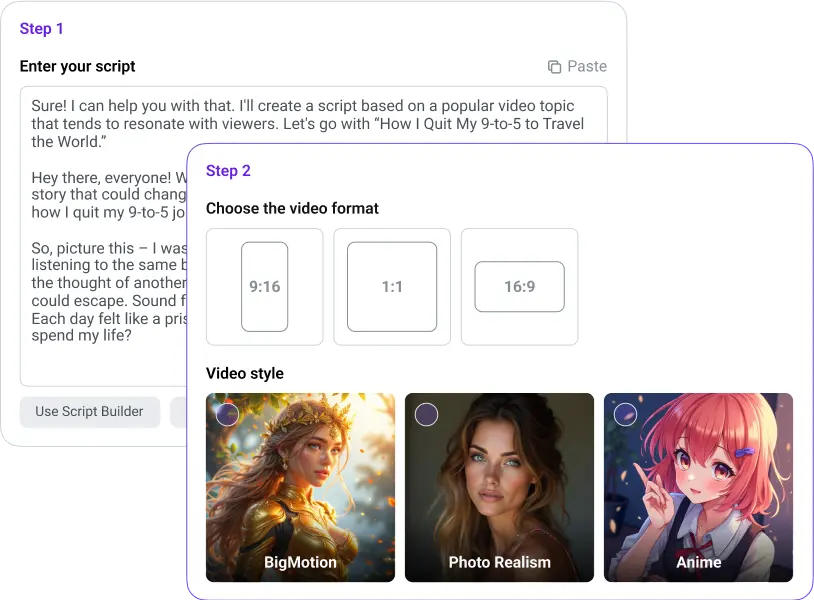
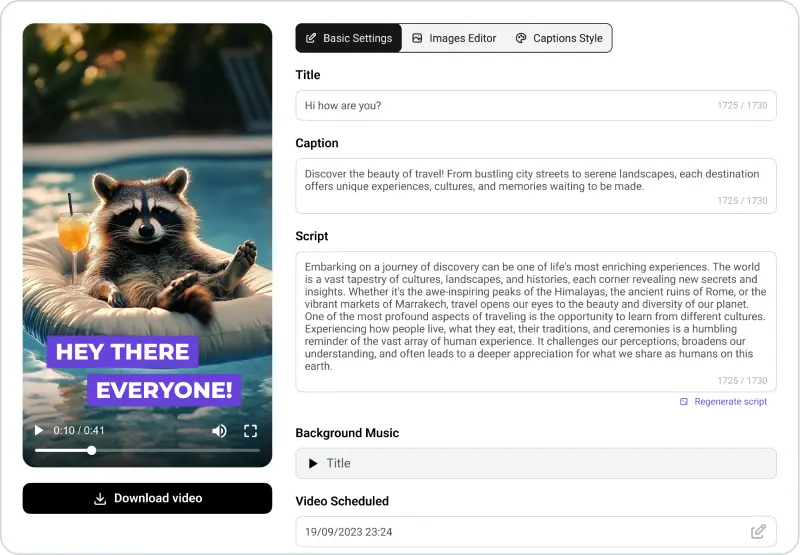
Select Style, Voice, and Music
Choose from a range of professionally designed video collage templates and select your desired style. Choose background music from BigMotion's built-in music library to complement your collage video.
Generate & Share
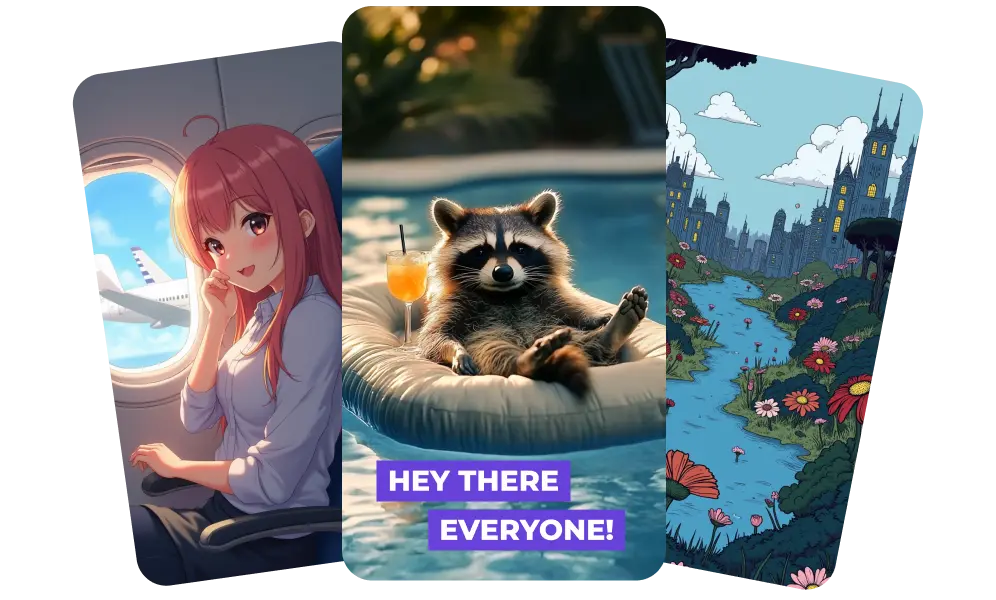
Let our cloud-based service work its magic. Your faceless video collage is generated instantly, automatically saved, and ready for download. Share your creation directly or on your favorite social media platforms to captivate your audience with a flawless visual experience.

Perfect For:
🎥 YouTube Automation:
📢 Promotional Content:
videos in minutes.
🛠️ Content Creators & Marketers:
supercharge creativity.
Unlock your series
Pro
Scale your series across platforms
By confirming your payment, you enroll in a monthly subscription to BigMotion for $39 / $89 / $179/month after a $19 / $39 / $79 first 1-month trial, giving you full access to our premium features and services. Your subscription will renew automatically each month until you cancel. You may cancel at any time by contacting us at help@bigmotion.ai. See our Terms of Service and Subscription & Refund Policy for more details.
AI Collage Video Maker FAQ
The BigMotion AI Video Generator works by taking your written script and transforming it into a fully produced video. You simply enter your script, select your preferred style, voice, and background music, and the AI handles the rest. It automatically selects relevant visuals, generates a natural-sounding voiceover, adds captions, and picks music to create a professional video. The video is then rendered in the cloud for fast, efficient processing.
No, our collage video maker app is fully automated. Our system is designed to deliver a seamless video editing experience by automatically combining video clips, photos, and audio without any manual editing.
Yes, you can opt to regenerate images to better suit your chosen layout and collage templates. This ensures that every picture, product shot, and element fits perfectly into your video collage.
Once your video collage is generated, you can instantly download it or share it directly via social media, email, or your preferred online channels. It’s never been easier to showcase your best moments with a personalized video collage.